


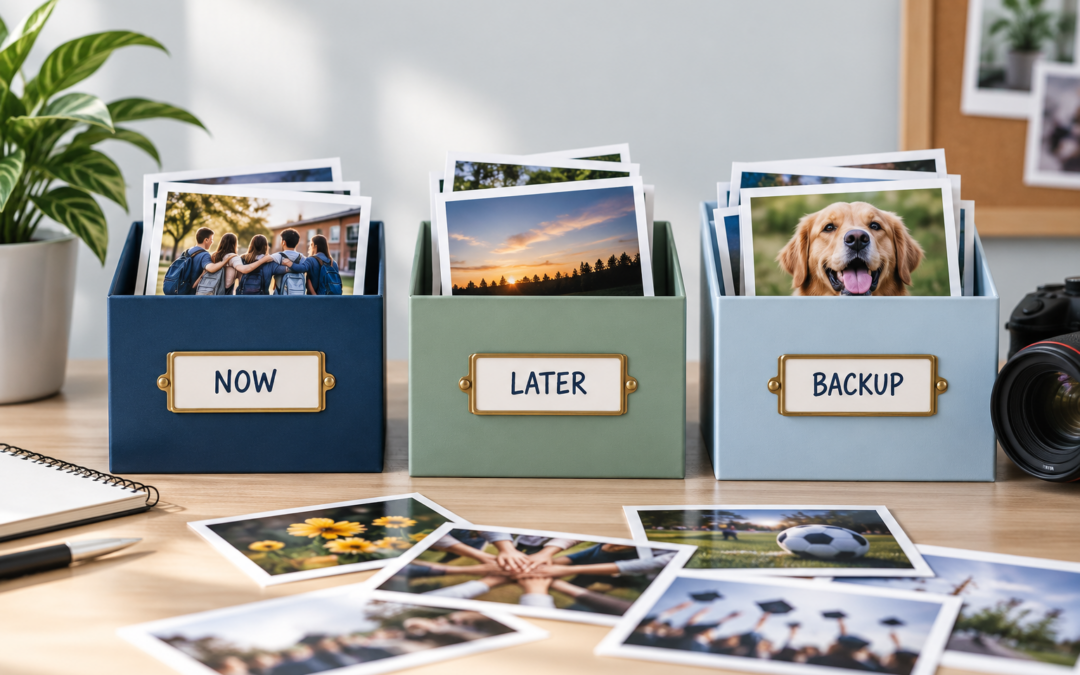
Not every photo belongs on the page the moment you receive it.
Some photos are strong, but you do not know where they fit yet.
Some belong to an event that is still developing.
Some may work better later once you have more captions, quotes, or context.
And some are simply worth keeping, even if they are not the first images you choose.
That is why one of the best early-year habits a yearbook team can build is learning what to do with photos that are not ready to use yet.
1. Separate “Maybe Later” From “Not Using”
One of the easiest ways to lose a good photo is to treat every unused image the same.
There is a difference between:
- a photo you do not need
- a photo you might use later
- a photo you want to keep as a backup
- a photo that belongs to a page that is still in progress
If all of those images go into one large folder, they become much harder to sort through later.
Instead, create a simple system.
That might mean folders or labels such as:
- Use Now
- Maybe Later
- Backup Options
- Waiting for More Coverage
The goal is not to create a complicated filing system.
It is simply to make sure good photos do not disappear just because they were not used right away.
2. Save the Details While They Are Still Easy to Find
A photo is much more useful when you still know what it shows.
If you are setting an image aside for later, try to save the basic information that goes with it while it is still fresh.
That might include:
- Who is in the photo
- What event it came from
- The date
- A score or result
- Why the moment mattered
- Whether it connects to a certain page or section
A great image becomes much harder to use later if no one remembers who is in it or what was happening when it was taken.
Even a short note can make a big difference.
A photo folder with context is much more valuable than a photo folder full of mysteries.
3. Revisit Unused Photos Before Finalizing the Page
A photo you do not need today may become exactly what the page needs later.
Maybe the first draft of the page feels too repetitive.
Maybe you realize all the photos are wide shots.
Maybe the page needs a closer reaction, a detail image, or one more student voice.
That is when your saved photos become useful.
Before finalizing a spread, go back through the images you set aside and ask:
- Does this page need more variety?
- Is there a stronger reaction photo here?
- Is there a better supporting image?
- Is there a detail shot that improves the story?
Sometimes the best final choice is not the first photo you picked.
Keeping good alternates gives you more flexibility and can make the finished page stronger.
Final Thought
Unused photos are not always unimportant photos.
Some are simply waiting for the right page, the right moment, or the right need.
If your team creates a simple way to separate, label, and revisit those images, you will make it much easier to build stronger pages later in the year.
You do not have to use everything right away.
You just need a system that helps the right photos stay useful.
Keep Great Photos From Getting Lost
YearbookLife gives schools flexible creation options, easy-to-use software, expert support, and high-quality printing to help yearbook teams stay organized from the first event to the finished book.
Ready to start creating your school’s yearbook? Request your free, no-obligation quote today at YearbookLife.com.
Click HERE
