



Design Your Yearbook in Canva. Print It With YearbookLife.
Keep the Canva tools you already know — and get the yearbook printing, portrait flow, online sales tools and personal support Canva doesn’t provide.
Create your yearbook using the Canva tools you already know and love, while YearbookLife helps with the yearbook-specific details Canva wasn’t designed to handle.
From setting up your pages correctly to selling yearbooks online, flowing school portraits and preparing your finished book for submission, our team is here to help make the entire process easier.

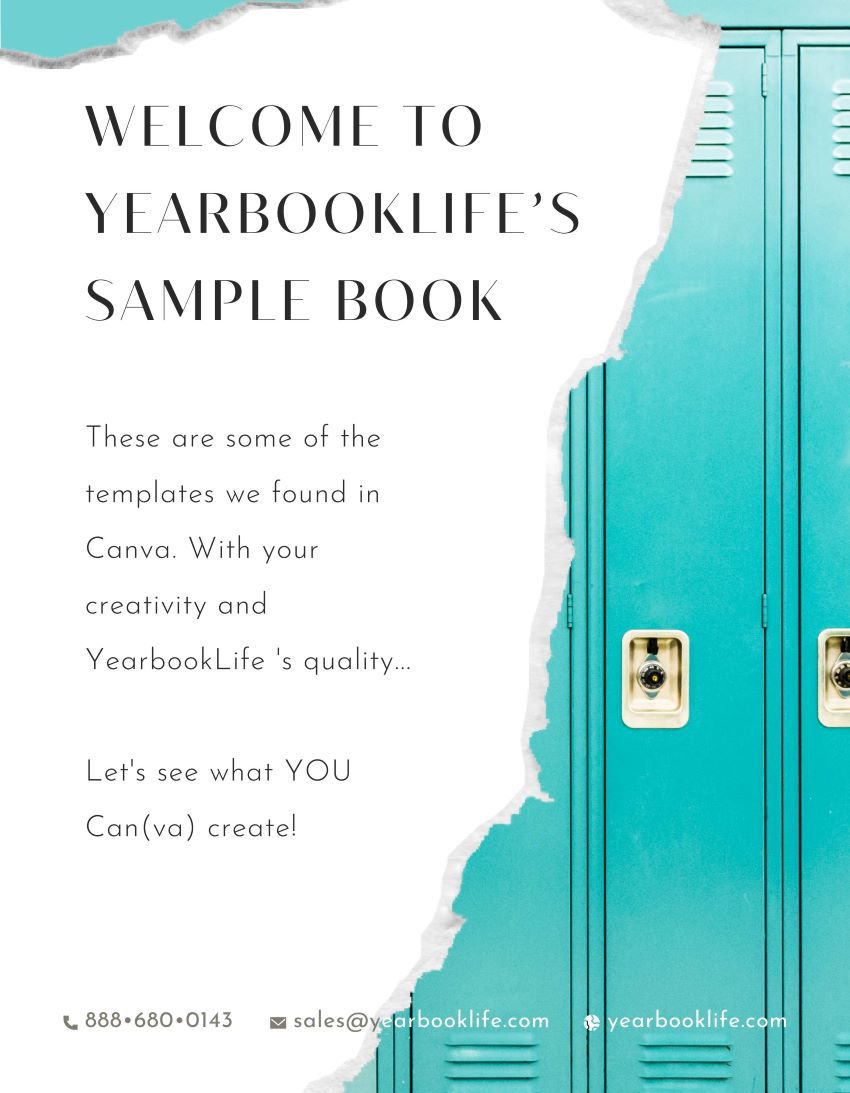
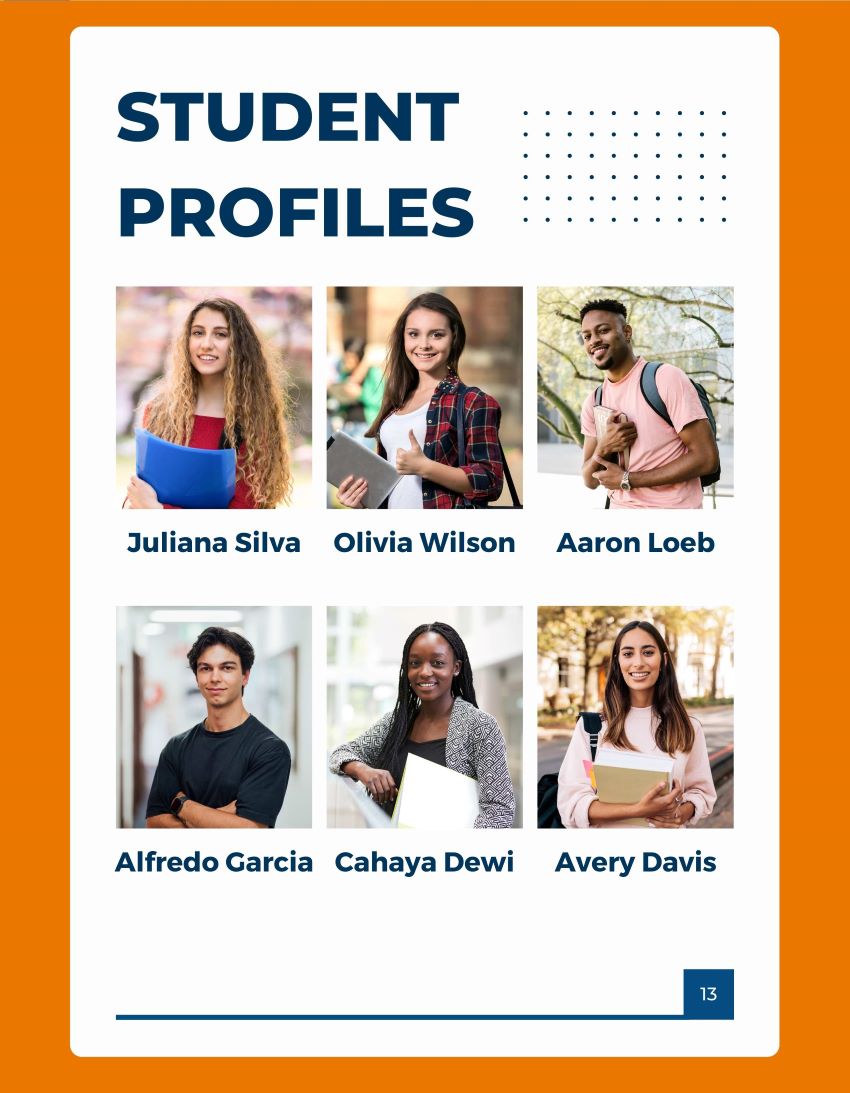
Check Out Our Yearbook Sample
Everything You Need to Create Your Canva Yearbook
We Help You Set Up Your Canva Yearbook Correctly
Start your yearbook with confidence. We'll help you understand the correct page setup, page dimensions, margins, cover setup and other important requirements for professional yearbook printing.
We'll also show you the basics of finding Canva artwork, layouts and design elements that can help you get your yearbook started.
Start correctly now and avoid frustrating production problems later.
Personal Canva Yearbook Guidance
New to Canva or new to yearbooks? That's okay.
Our team can provide basic guidance to help you organize and design your yearbook in Canva, including page layouts, photos, backgrounds, artwork and other common yearbook design questions.
You create the yearbook. We're here when you need help.
Online Yearbook & Parent Ad Storefront
Give parents an easy way to purchase yearbooks and submit parent ads online.
YearbookLife provides your school with an online storefront so you don't have to manage every order, check and payment manually. Your school can promote one convenient link to families and keep yearbook sales better organized.
Less money collection for your school. An easier way for parents to order.
Your Yearbook Dashboard
Keep the important information about your yearbook in one convenient place.
Your YearbookLife dashboard gives advisors access to important account information, resources and tools throughout the yearbook process.
Fewer things to keep track of. More visibility for your yearbook advisor.
Yearbook Submission Assistance
Finishing the design isn't quite the end of the yearbook process.
When you're ready to submit your book, we'll provide instructions and assistance to help you properly prepare your Canva files for professional yearbook printing.
We'll help you understand the export and submission process and review important production requirements before your book moves into production.
Our goal is simple: help you get from your Canva design to your finished yearbooks with fewer surprises.

PortraitPop by YearbookLife
Flow School Portraits Into Canva — Without Building Every Portrait Page by Hand
Portrait pages can be one of the most time-consuming parts of creating a school yearbook in Canva.
That’s why we created PortraitPop™ by YearbookLife, our proprietary portrait-flow solution for Canva yearbook customers.
Provide your compatible school portrait database and PortraitPop helps organize and flow student portraits into yearbook pages that can be used with your Canva yearbook project.
And because PortraitPop is a YearbookLife service, our team can help guide you through the process.
Canva gives you the creative freedom. PortraitPop gives you yearbook-specific portrait flow.
Watch the Canva Yearbook Creation Process
Discover how easy it is to design beautiful yearbooks with Canva. Watch this quick video to learn more.

Simple Steps to Your Perfect Yearbook
- Sign Up: Register for free on Canva.
- Design Your Yearbook: Use templates or create from scratch with Canva’s tools.
- Collaborate: Work with your team in real-time.
- Export the PDF: Send your design to YearbookLife for professional printing and delivery.
Why Choose Canva for Your Yearbook?
- User-Friendly: Easy-to-use design tools accessible for all skill levels.
- Versatile Templates: Wide range of customizable templates to fit your school’s unique style.
- Collaboration Tools: Multiple users can work on the yearbook simultaneously.
- Short Learning Curve & Cost Effective: Use the Canva software that you’re already familiar with.
- Fast Turnaround: Quick design-to-print process ensures timely delivery.
- Professional Quality: High-quality print and binding for a polished final product.
- Online Support: Access to tutorials and customer support for guidance directly through your Canva program.
Interested in Yearbook specific design software? Click here to learn more about our FREE online design software.

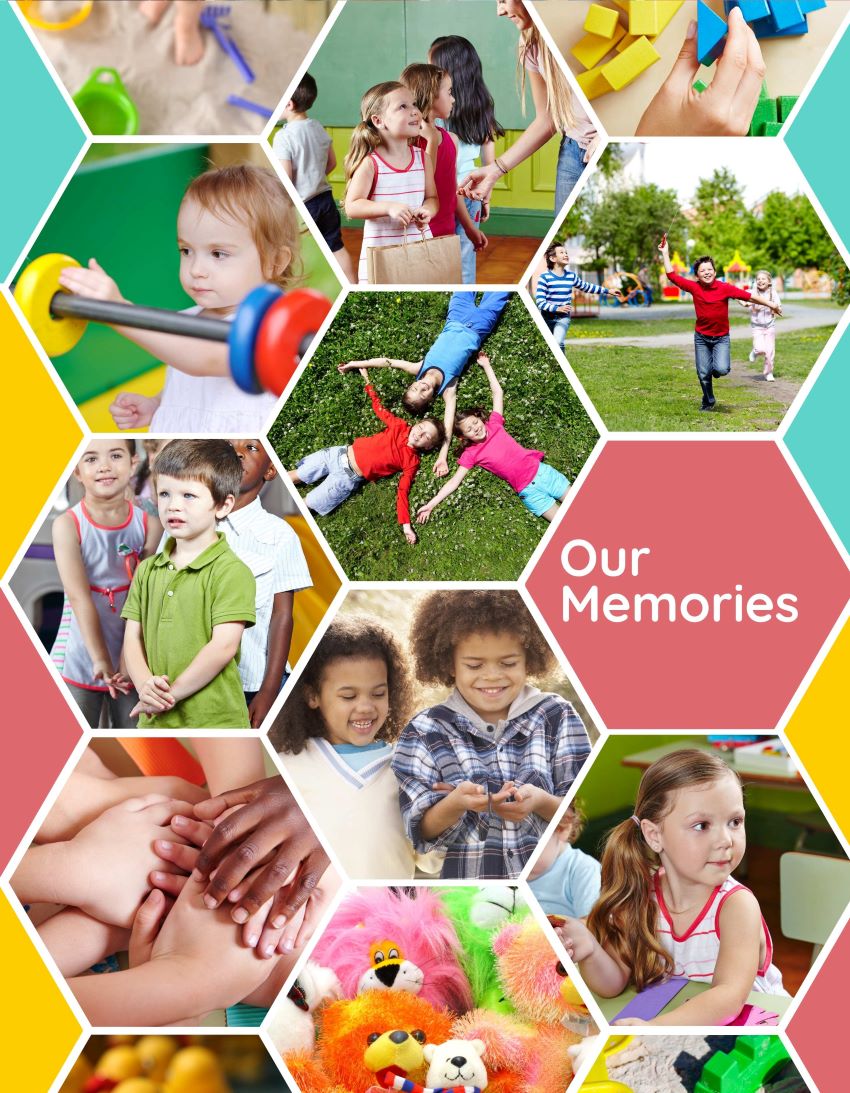
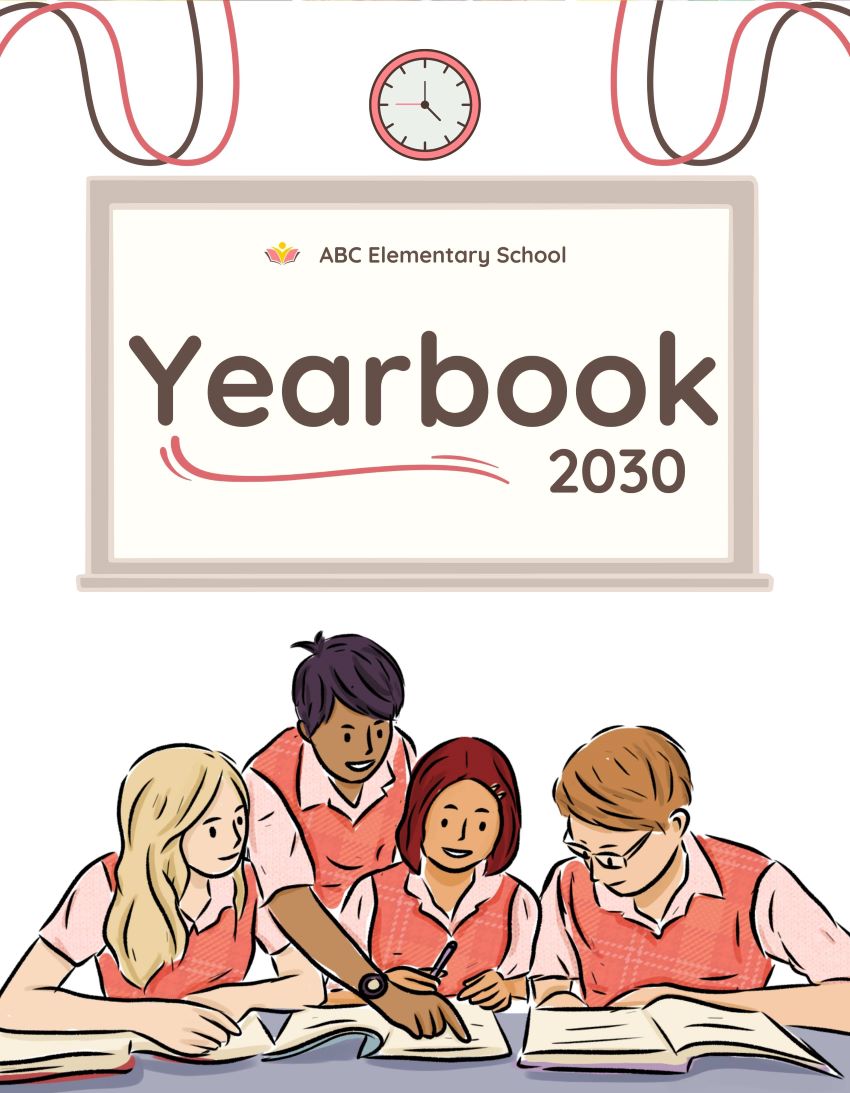
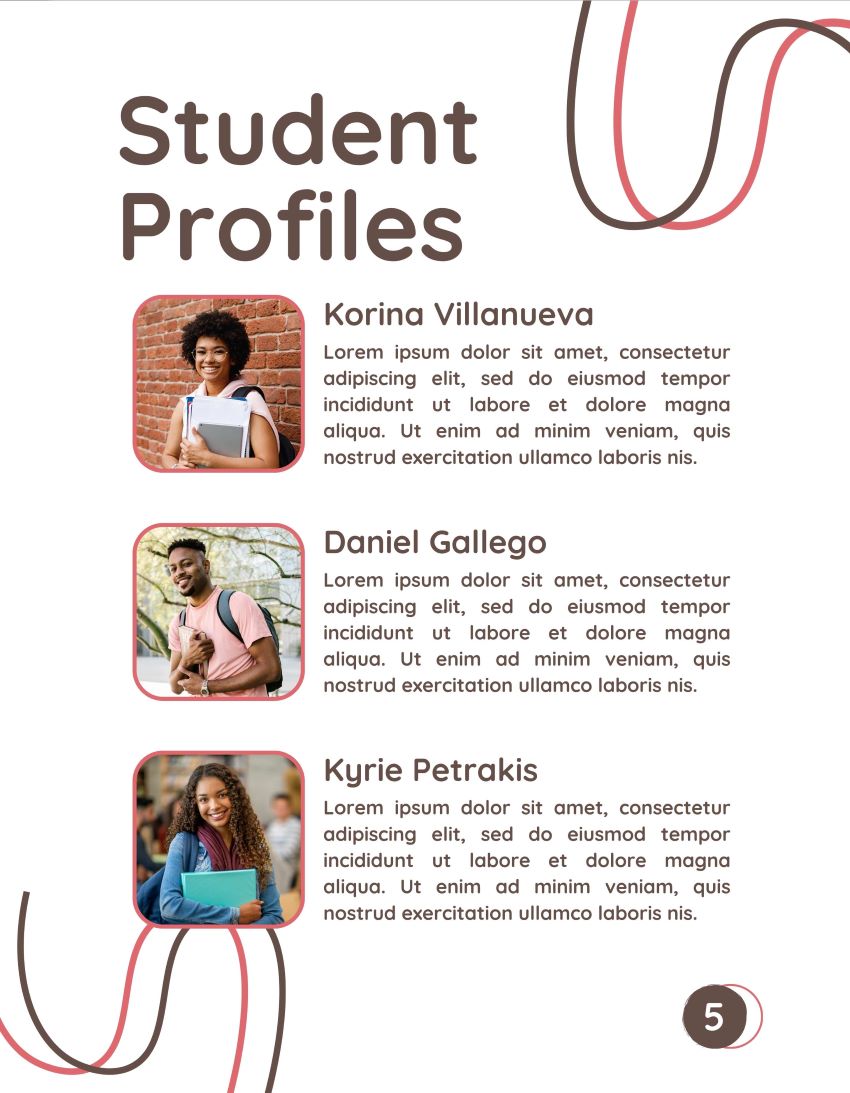
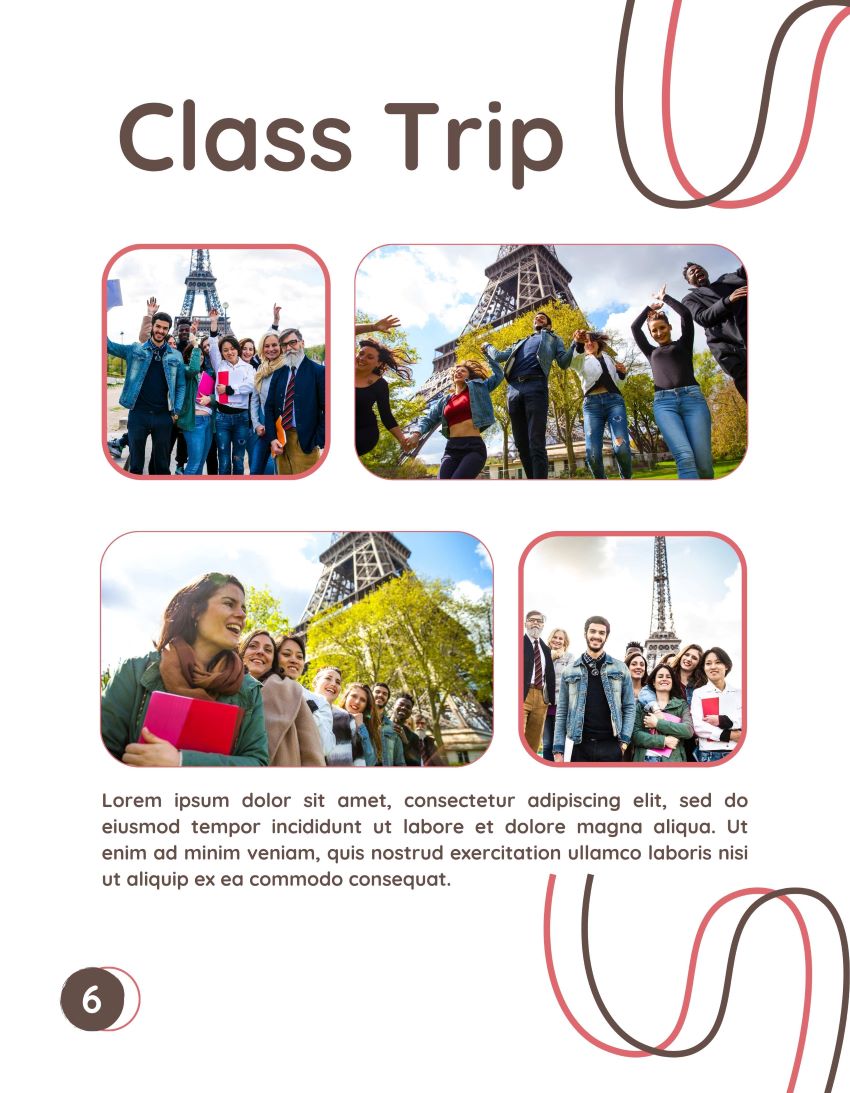
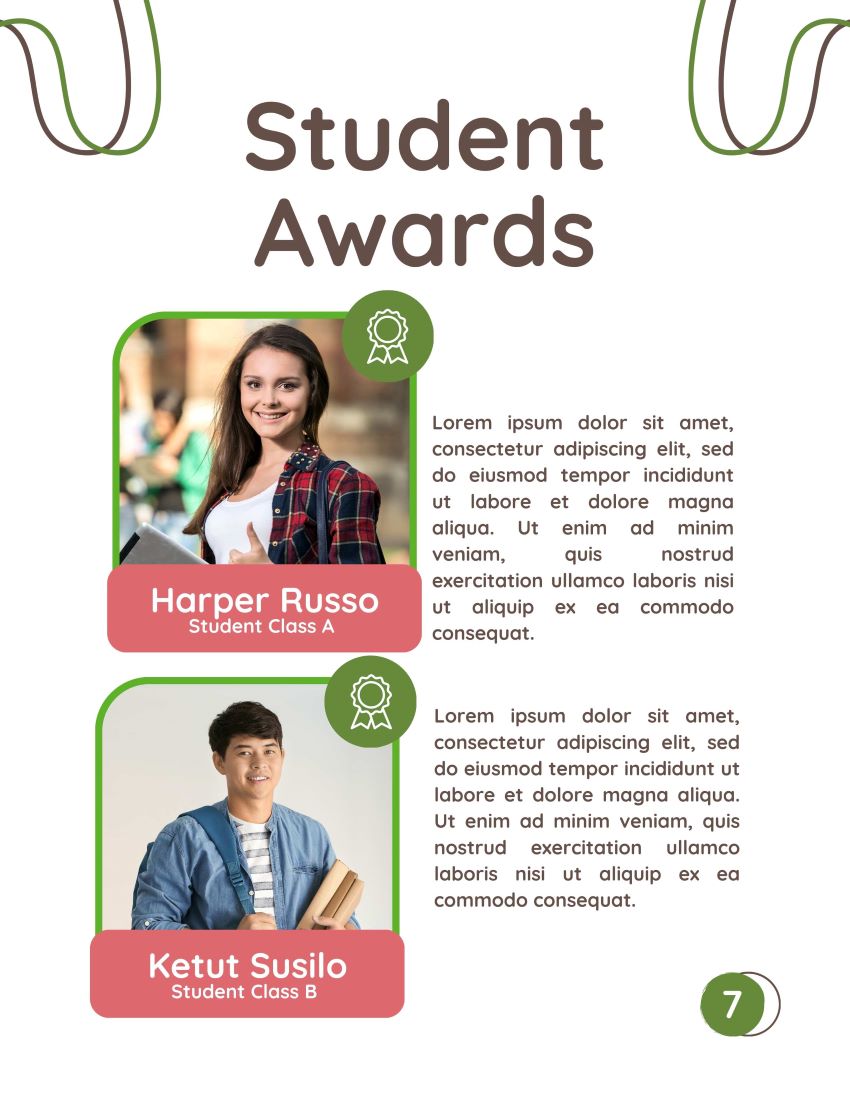


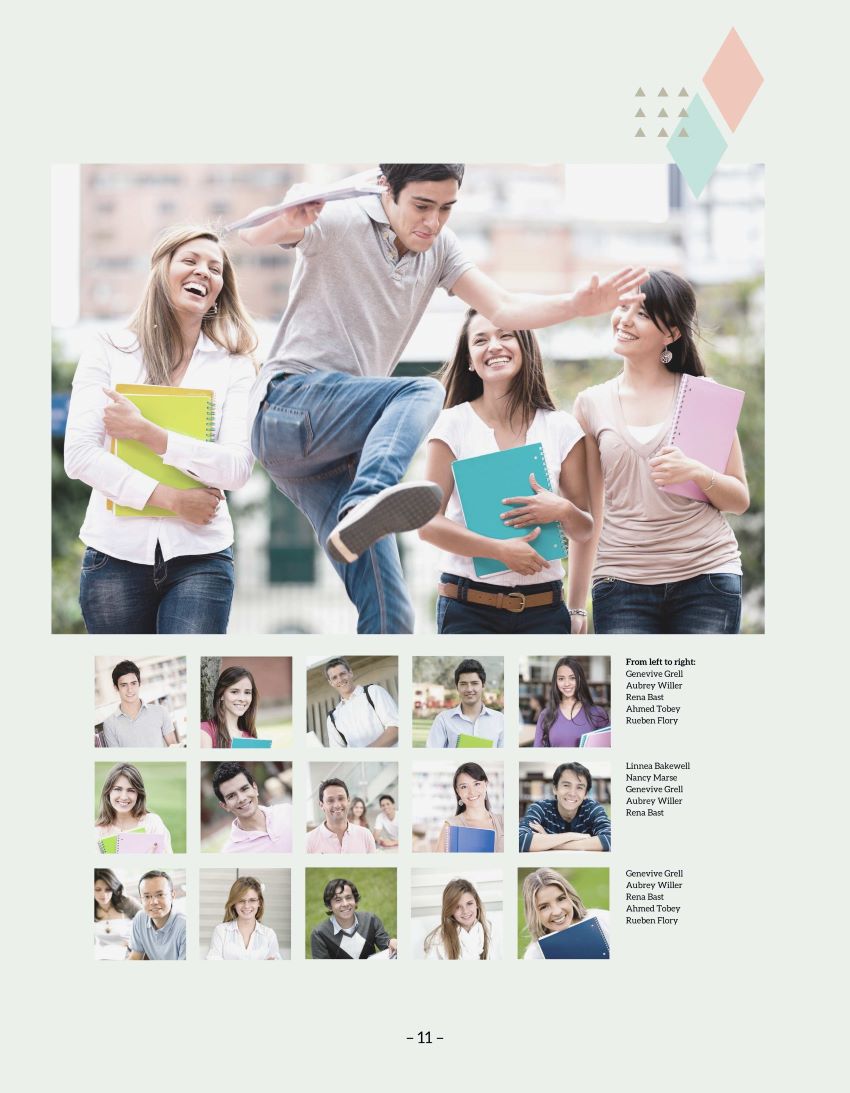
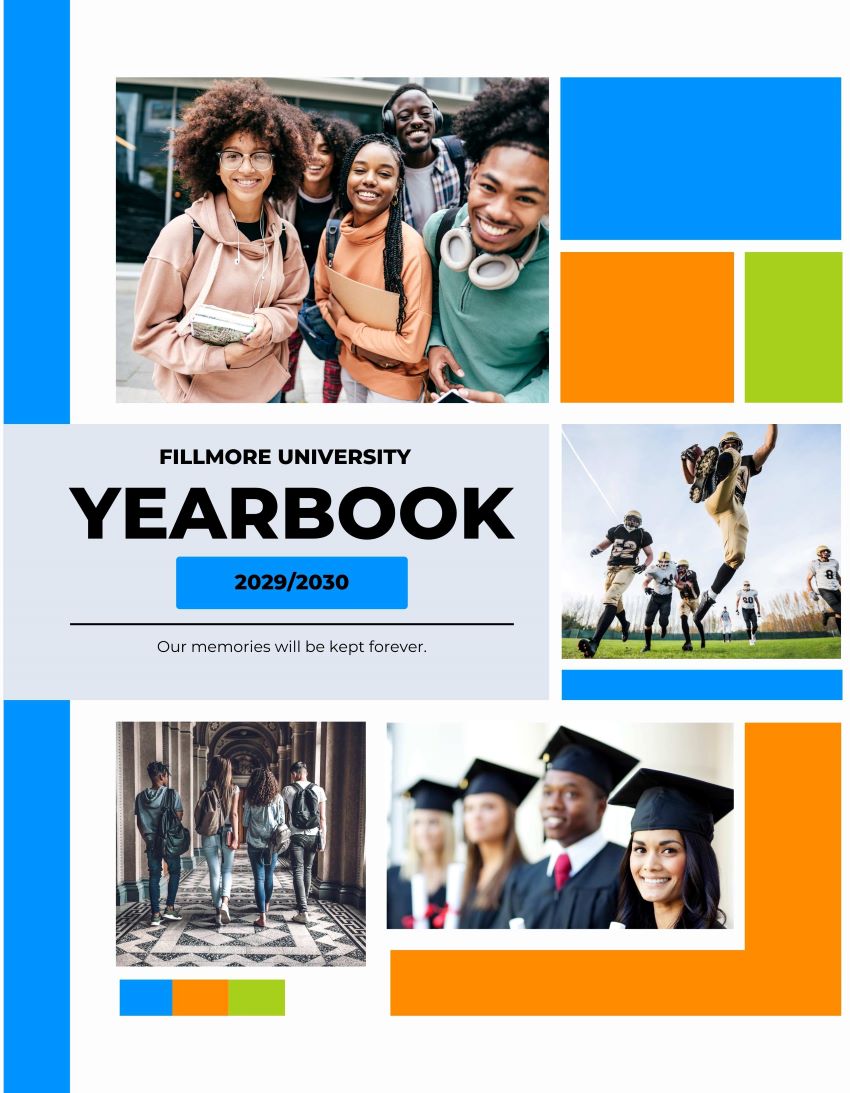
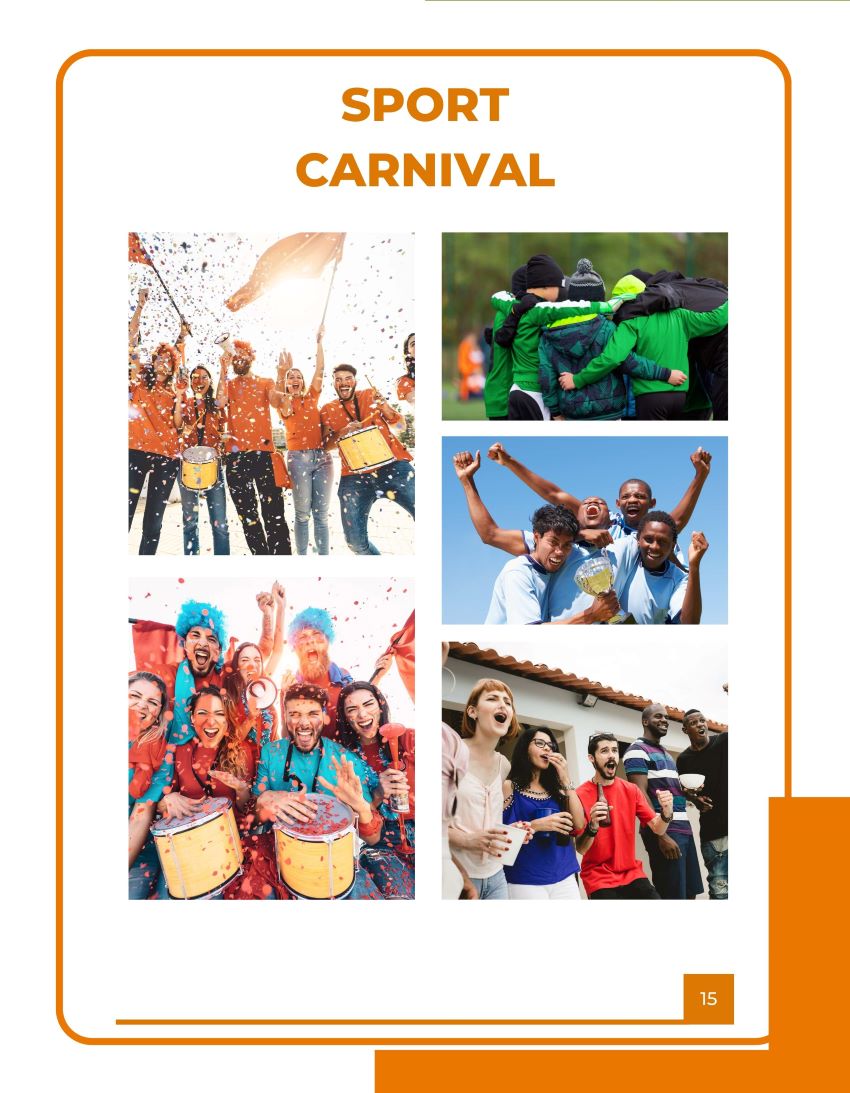
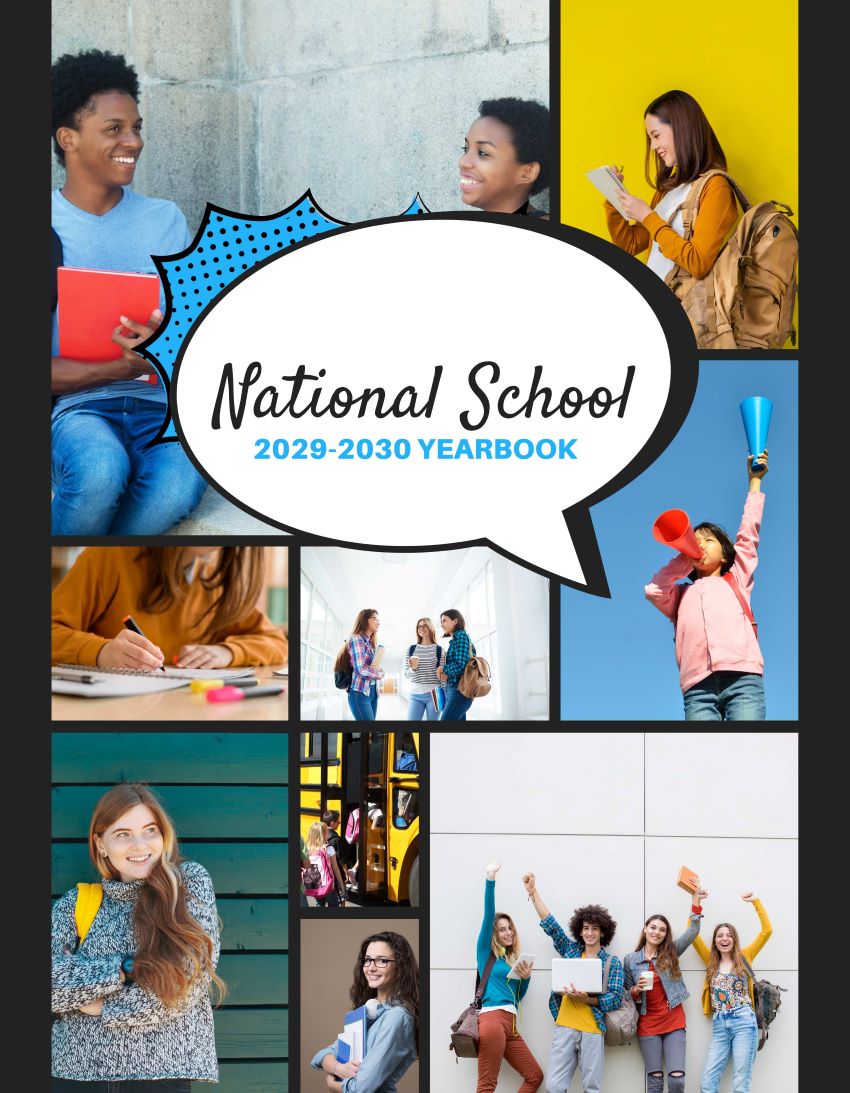
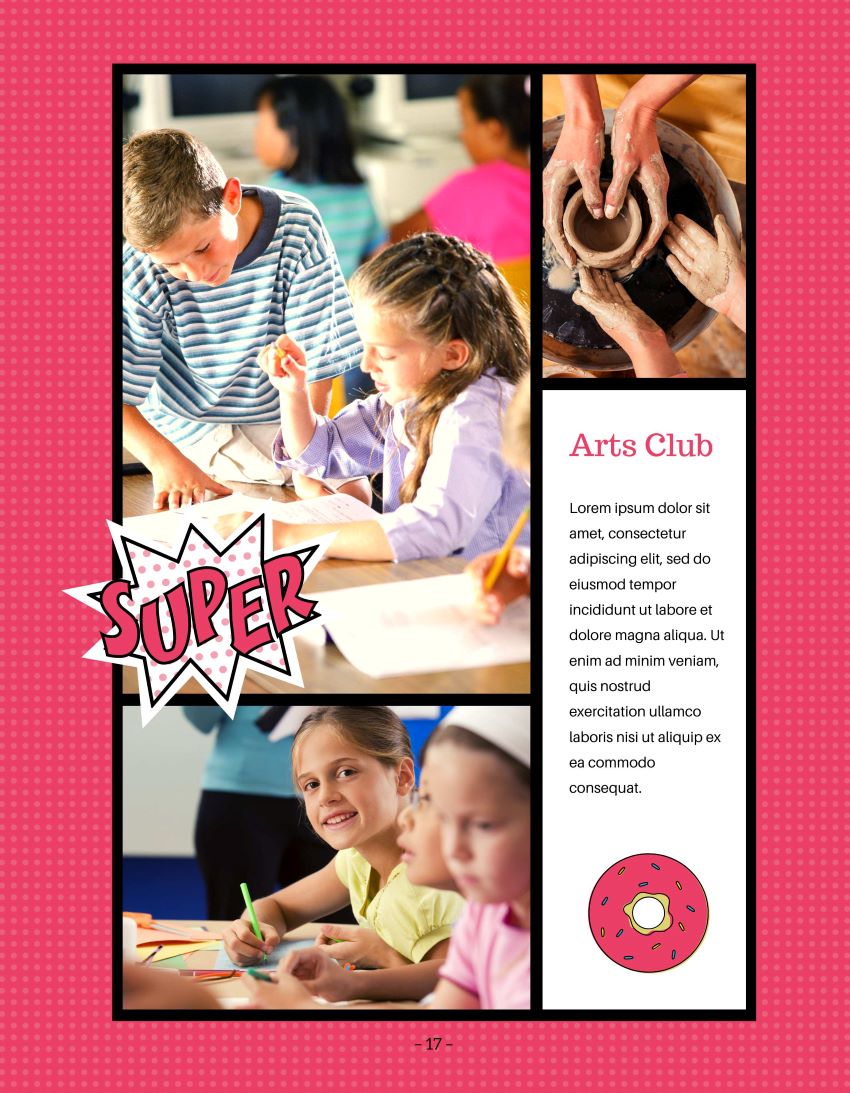
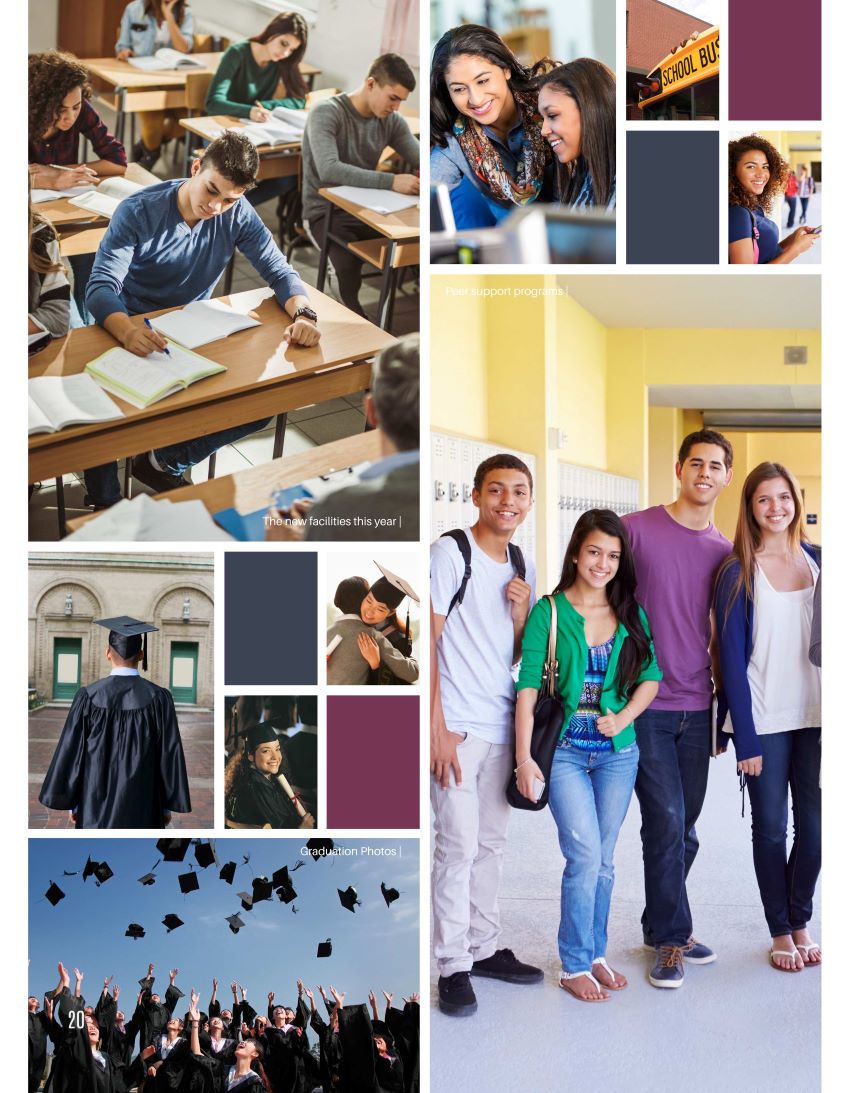
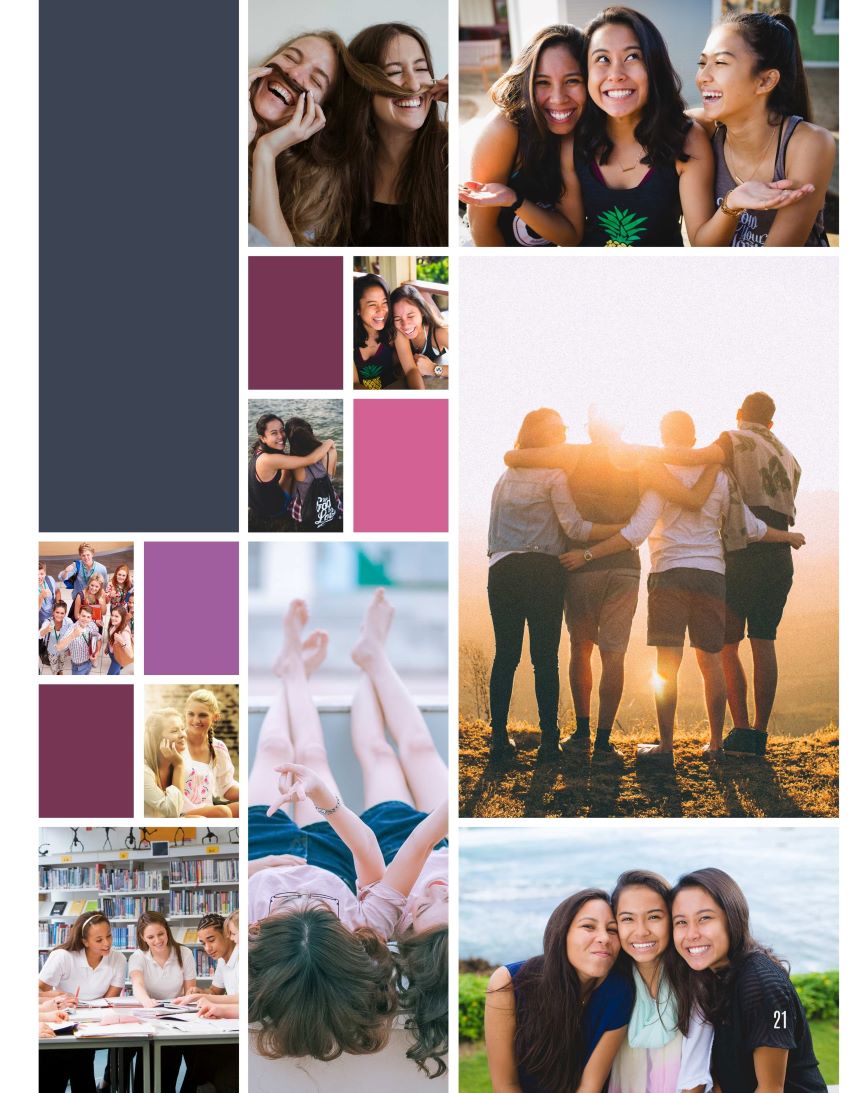
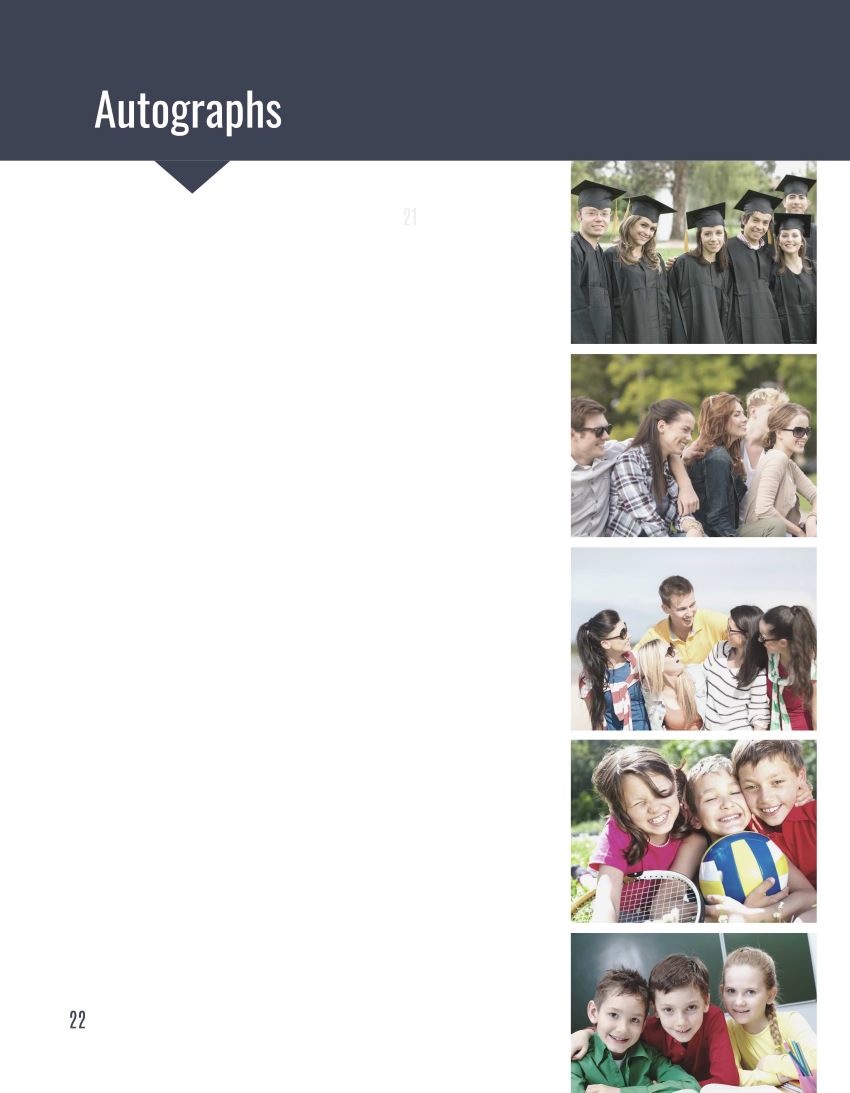
(Click to Enlarge)
Canva + YearbookLife = A Better Way to Create Your Yearbook
With YearbookLife, you aren't simply sending a Canva PDF to a printer. You get a yearbook partner to help you throughout the process.
With your YearbookLife Canva yearbook program, you can get:
- Canva yearbook project setup assistance
- Page, margin and cover setup guidance
- Basic Canva yearbook design guidance
- Online yearbook and parent ad sales
- Advisor yearbook dashboard
- PortraitPop™ portrait-flow access
- PortraitPop guidance
- Yearbook file preparation and submission assistance
- Professional yearbook printing
- Personal support from an experienced yearbook team
You Design It in Canva. We'll Help With the Yearbook Part.
Whether you're an experienced Canva user or creating your school's first yearbook, YearbookLife gives you the tools, services and personal support to make the process easier from setup through printing.
Ready to create your Canva yearbook?
See What Our Customers Say


I can’t say enough about this company! The product is amazing and the software is easy to navigate. But the customer service??? UNPRECEDENTED! They go above and beyond to help with absolutely everything!
DeAnn Robertson
The staff at YearbookLife are phenomenal! They listen to your needs and make it happen while doing so at rates which are manageable for our school. The software is also great! They are updating it constantly so that the creation of the book is easy and fun. The tech team also is awesome and is available almost any time. They respond quickly to resolve any issues. We love YearbookLife.
Michele Kachmar
Great company to work with. Professional and detail oriented. We work with them every year to produce our yearbook and they do a great job!
Christina S.
Yearbook Life is an incredible company to work with. We are a small school and created our second school yearbook for our 10-year- anniversary. Yearbook Life was professional, patient, thorough, and kind. They worked closely with us and ensured our templates were done well and printed beautifully. We had a wonderful experience and will continue to work with them. Thank you for an awesome yearbook!
Lauren S.
Great company to work with. Their website make yearbook sales easy and efficient. I love that you can enter cash sales made at school. Great prices, quick printing and shipping! Our yearbooks turned out great! Highly recommend!
Jennifer W.

Request a Quote
Send us the details about your yearbook and we’ll get back to you soon.
