


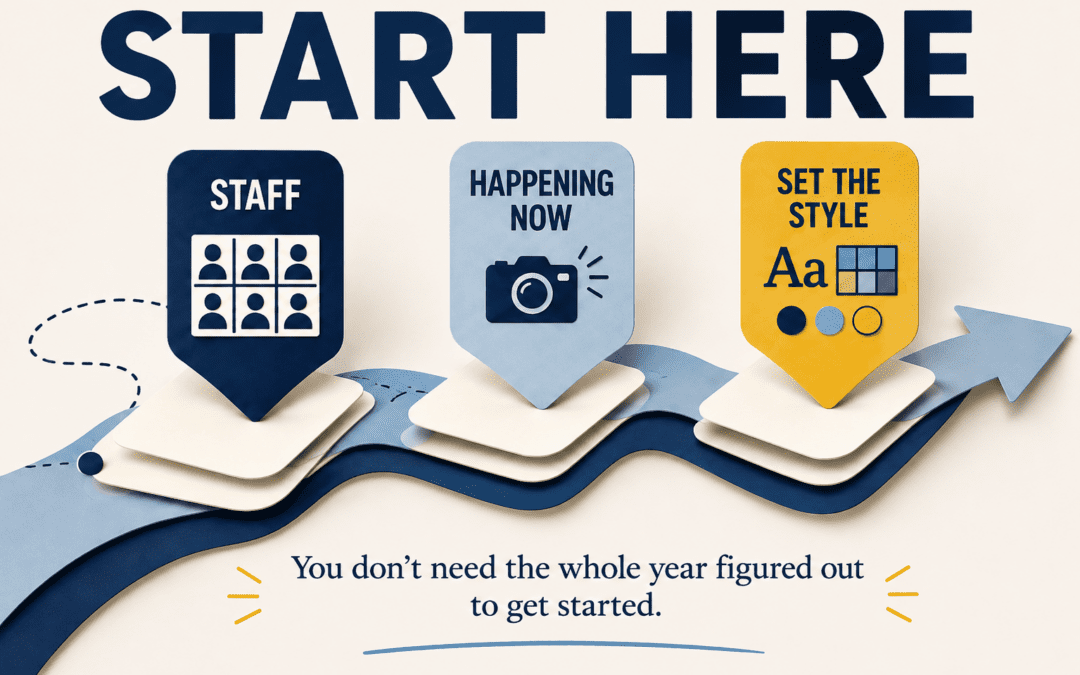
Starting a new yearbook can feel a little strange.
The school year has barely begun, many events have not happened yet, and you probably do not have enough photos or information to complete most of the book.
That does not mean you have to wait.
There are usually several pages you can begin building during the first few weeks of school. Getting a few of them started can help your team become comfortable with the software, establish the look of the book, and create some early momentum.
The goal is not to finish everything right away.
It is simply to start with what you already have.
1. Start With Pages That Already Have Reliable Information
Some yearbook pages do not depend on months of events or photo collection.
You may already have enough information to begin pages such as:
- Staff and faculty
- Administration
- School information
- Opening pages
- Page Section introductions
- Early student life
- Clubs or teams that have already started meeting
These pages do not need to be completely finished.
You can place backgrounds, headlines, photo areas, and basic design elements now and add the final content later.
Starting with pages that already have some dependable information gives your team something real to work on without waiting for the rest of the year to happen.
2. Begin With the Events Happening Right Now
The first few weeks of school usually provide more yearbook material than it seems.
Teams are practicing.
Clubs are holding their first meetings.
Teachers are introducing new projects.
Students are adjusting to new schedules.
Schools may already have orientations, pep rallies, assemblies, open houses, or early games taking place.
Instead of waiting until you have enough content to complete an entire section, begin building pages around the events you already have.
You can always leave space for additional photos, captions, or quotes.
A page does not have to be finished the same day you start it.
Sometimes simply placing the first few pieces makes it much easier to see what is still needed.
3. Build a Few Pages That Help Establish the Look of the Book
The first pages your team creates can also become useful examples for everything that follows.
Choose a few spreads and use them to test decisions such as:
- Headline styles
- Fonts
- Colors
- Photo spacing
- Caption placement
- Folios
- Graphic elements
Once everyone sees how those pieces work together on an actual page, it becomes much easier to keep the rest of the book consistent.
You do not need to design every page the same way.
But establishing a few basic patterns early can give your team a starting point and make future page creation much faster.
Final Thought
You do not need a year’s worth of photos before you can begin your yearbook.
Start with the information you already know.
Build around the events already happening.
Use those first pages to establish a few design choices for the rest of the book.
The yearbook will continue to grow as the school year does.
For now, getting the first few pages started is enough.
Start Building With Confidence
YearbookLife gives schools flexible creation options, easy-to-use software, expert support, and high-quality printing to help make the yearbook process easier from the first page to the finished book.
Ready to start creating your school’s yearbook? Request your free, no-obligation quote today at YearbookLife.com.
Click HERE
